
Build all three layers together
The Solar System Builder combines the panel, inverter and battery databases into one interactive configuration. Set target solar size and backup energy, then compare the resulting hardware stack.
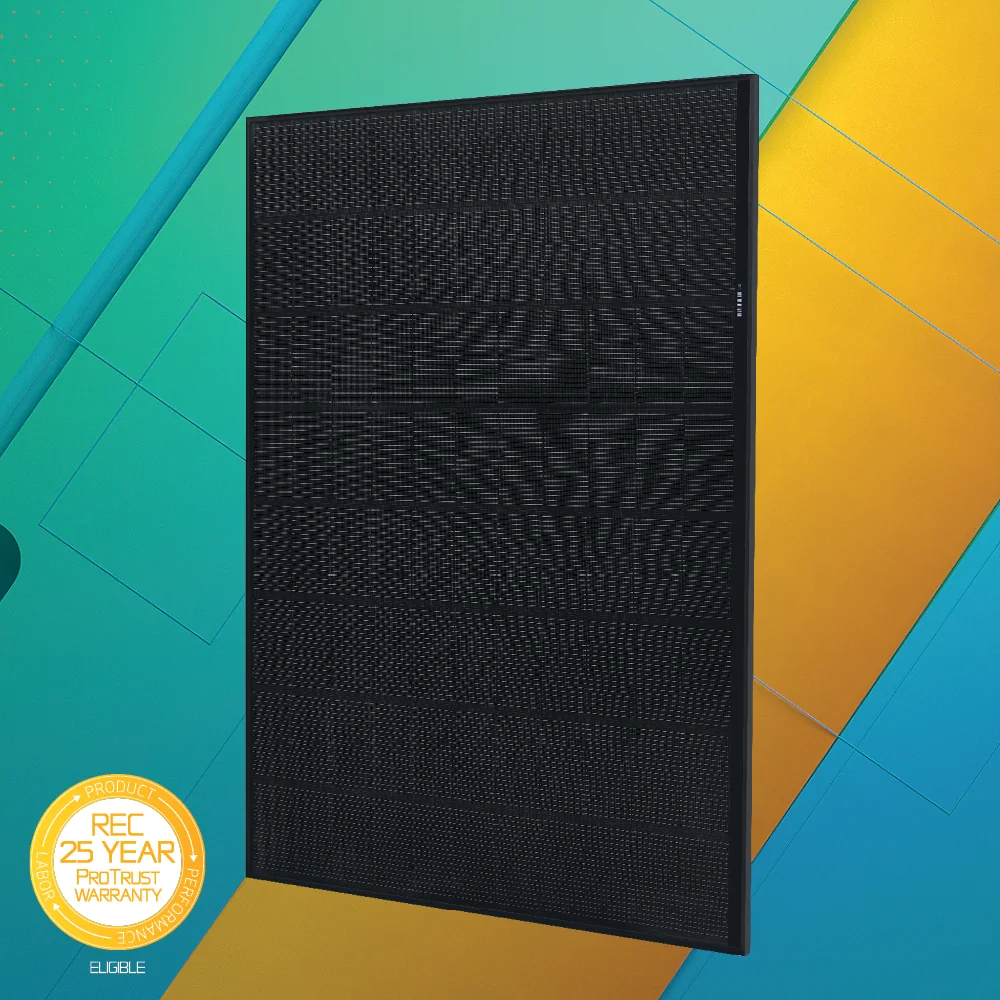
Solar Panel Comparison
Compare wattage, efficiency, cell architecture, warranties and estimated module count.
Open panel comparison →
Inverter Comparison
Compare architecture, battery readiness, backup, monitoring and homeowner-fit scenarios.
Open inverter comparison →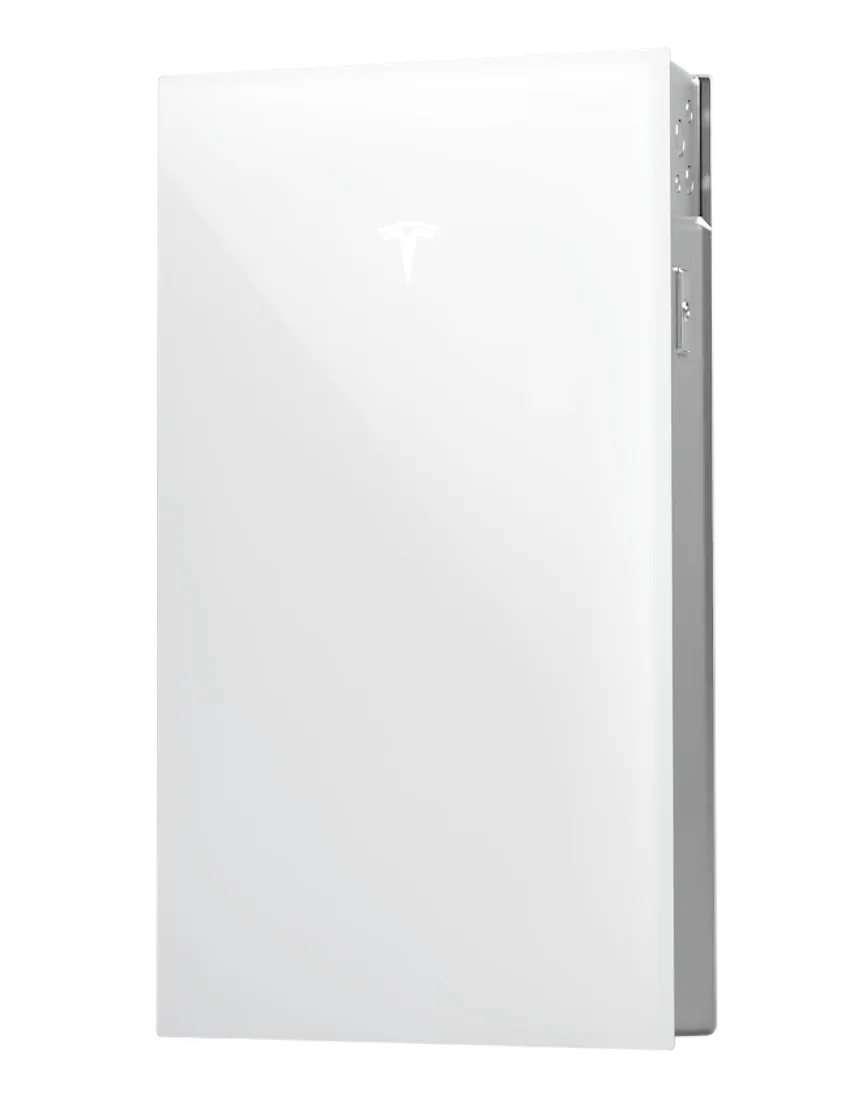
Home Battery Comparison
Compare capacity, power, runtime and estimated full-battery quantities.
Open battery comparison →What should drive each equipment decision?
Homeowner learning path
Will the array fit?
Roof area, orientation, shade and panel dimensions can change the practical system size before equipment brand matters.
Analyze roof capacity →Efficiency vs technology
Compare HJT and TOPCon, degradation, warranty terms and why higher module efficiency matters most when usable roof area is limited.
HJT vs TOPCon guide →Microinverter, string or optimizer?
Understand where conversion happens, what module-level electronics change and how architecture affects monitoring and service.
Compare inverter architectures →Separate battery kWh from kW
Use capacity for outage duration and continuous power for simultaneous loads, then test an average critical-load runtime scenario.
Estimate backup runtime →Solar System Builder
Combine panel, inverter and battery choices with PVWatts production, roof fit, storage screening and TOU assumptions.
Build your configuration →Check what the installer proposed
Compare equipment, system size, production, financing and normalized solar-only price before treating a headline total as comparable.
Analyze a solar quote →Shade and orientation
Learn how roof direction and shading affect production before selecting a higher-cost module.
Solar shading guide →Degradation and warranty
Understand annual degradation and what performance warranties do and do not guarantee.
Panel degradation guide →How many batteries?
Translate backed-up household energy into battery unit counts, then verify continuous power separately.
Battery sizing guide →Use the equipment hub before comparing quotes
Different module counts, inverter architectures, battery quantities and backup scopes can make headline prices misleading. First understand the hardware stack, then compare normalized quote economics and production assumptions.